

Manage your databases,
not your tooling.
socAdmin is a self-hosted admin tool for MySQL, PostgreSQL and MongoDB. One binary, encrypted credentials, a modern UI. Database administration, done right.
docker run -d -p 8080:8080 soleilclems/socadmin
-
 MySQL / MariaDB
-
 PostgreSQL
-
 MongoDB
- Free forever
One interface for every engine
Same sidebar, same tabs, same shortcuts, whether you're connected to MySQL, PostgreSQL or MongoDB.
-
MySQL
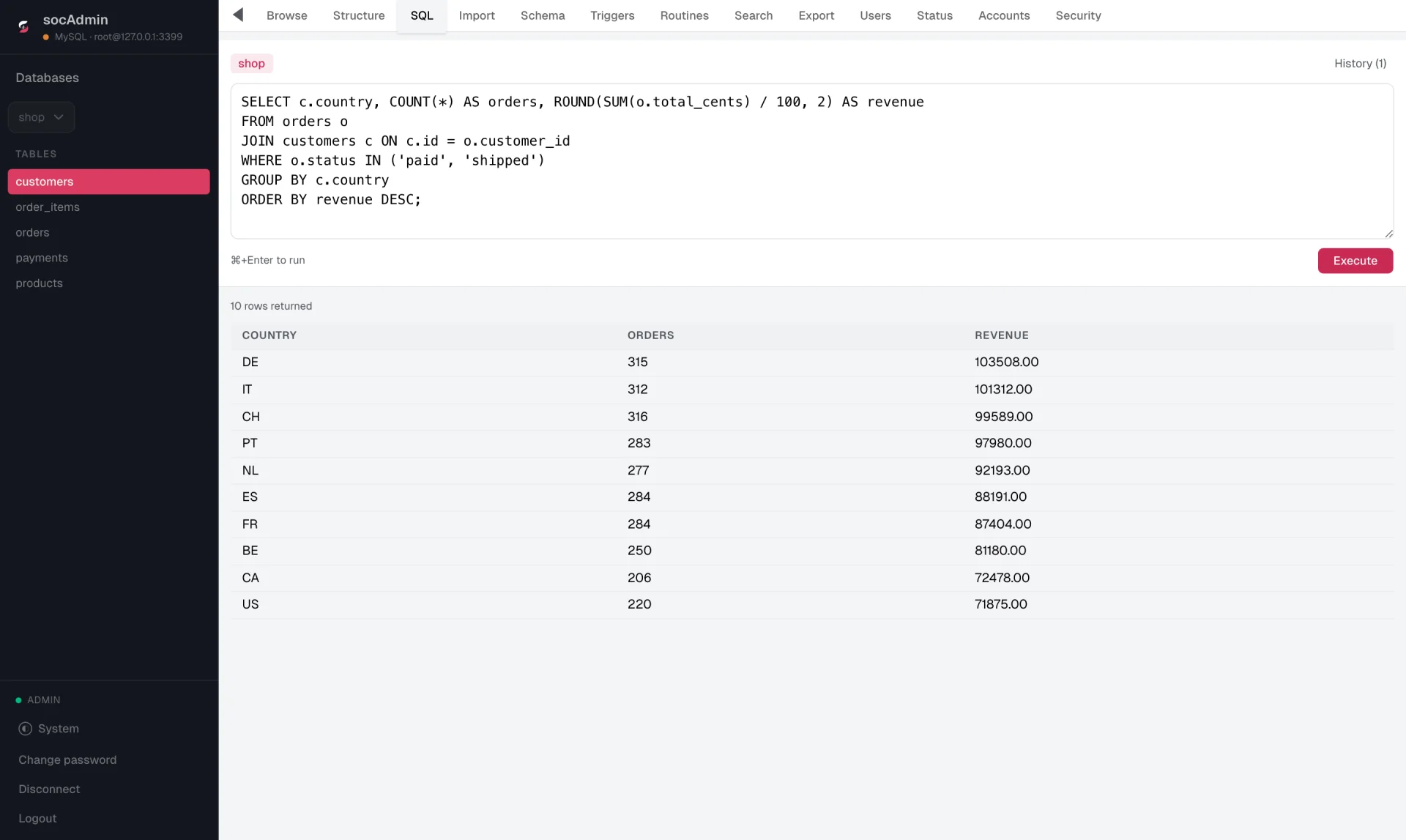
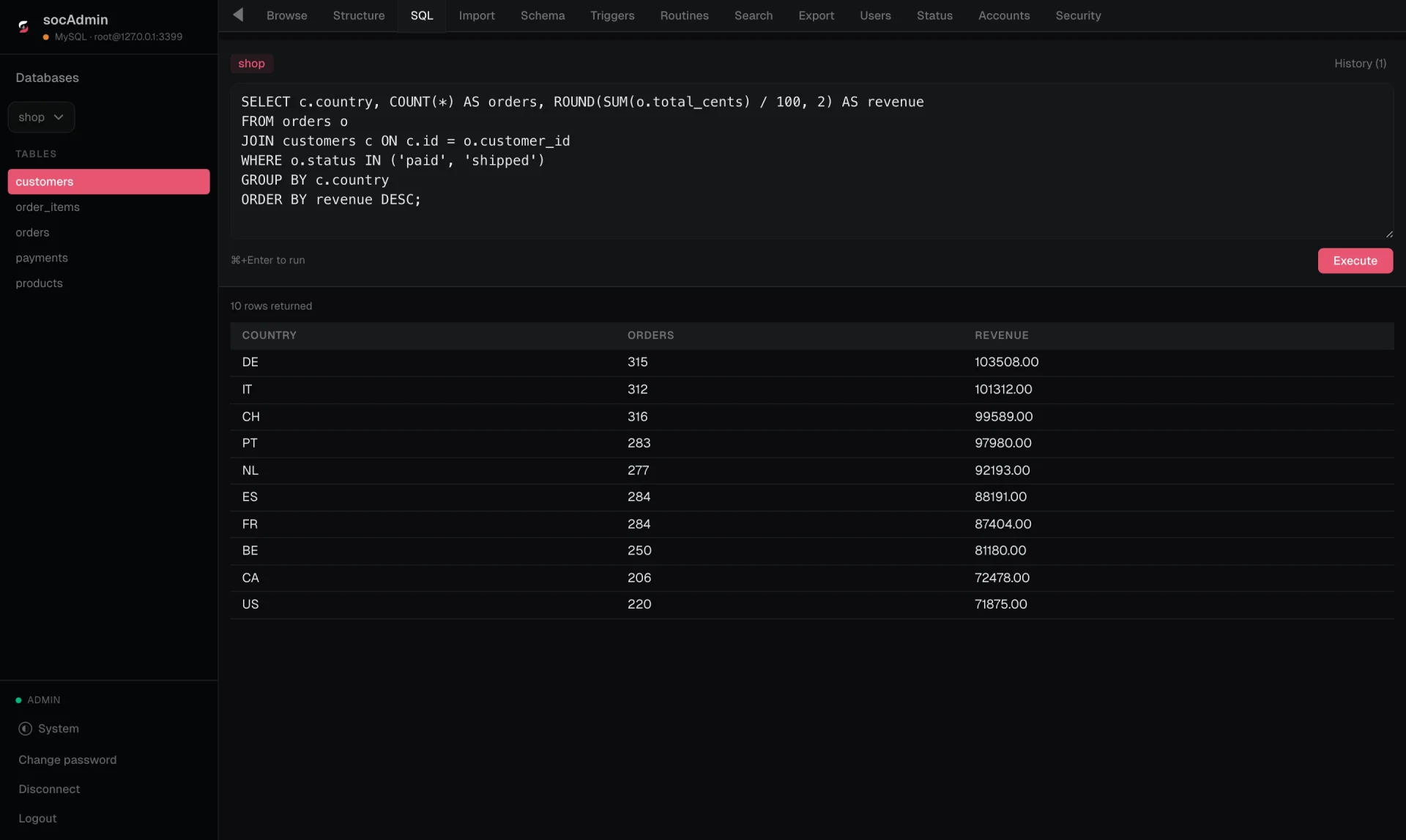
Write SQL, read results
A query editor with history for MySQL, MariaDB and PostgreSQL. Results land in a grid right under the query.
-
PostgreSQL
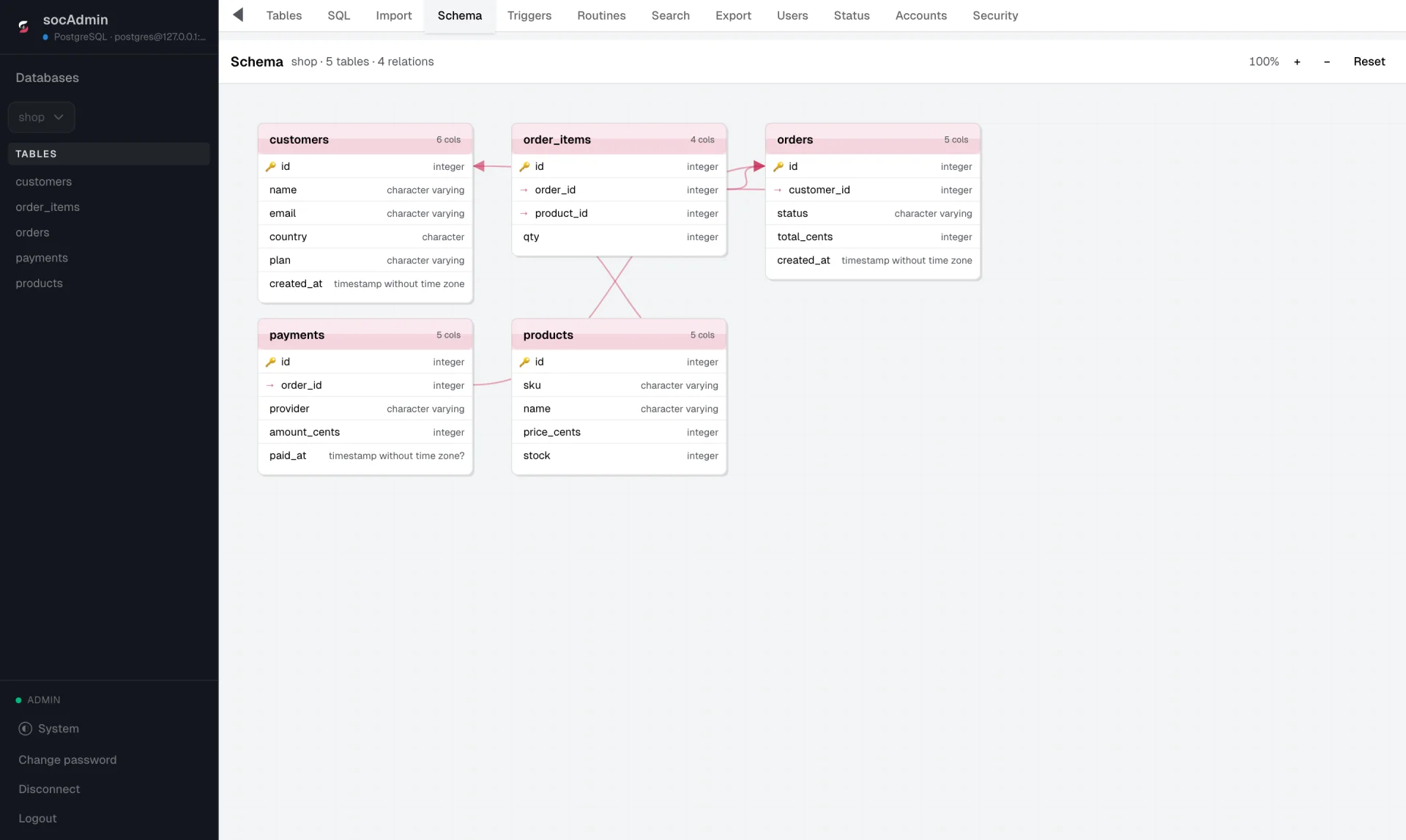
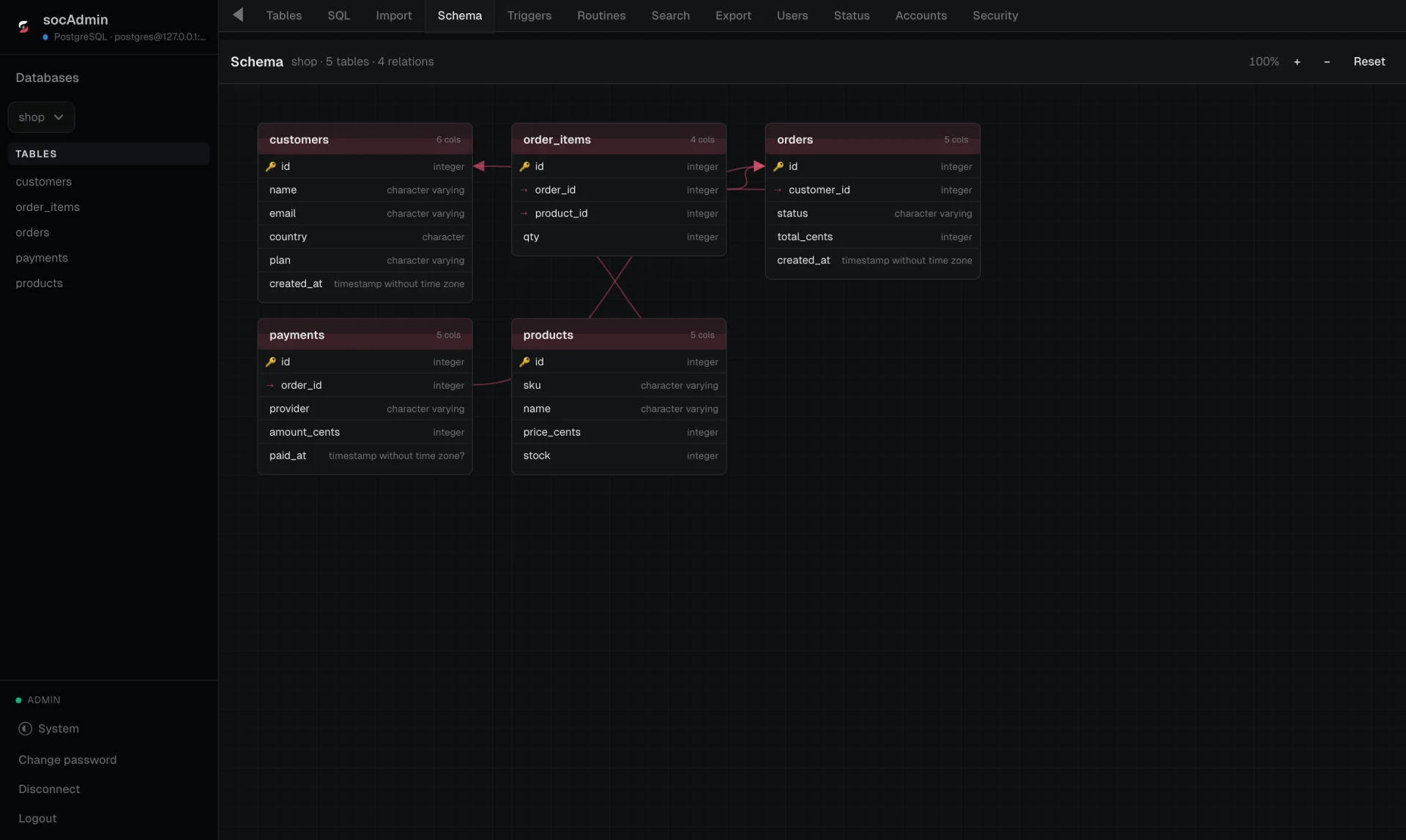
See how your tables connect
The schema view draws every table, column type and foreign key on one canvas, straight from the database.
-
MongoDB
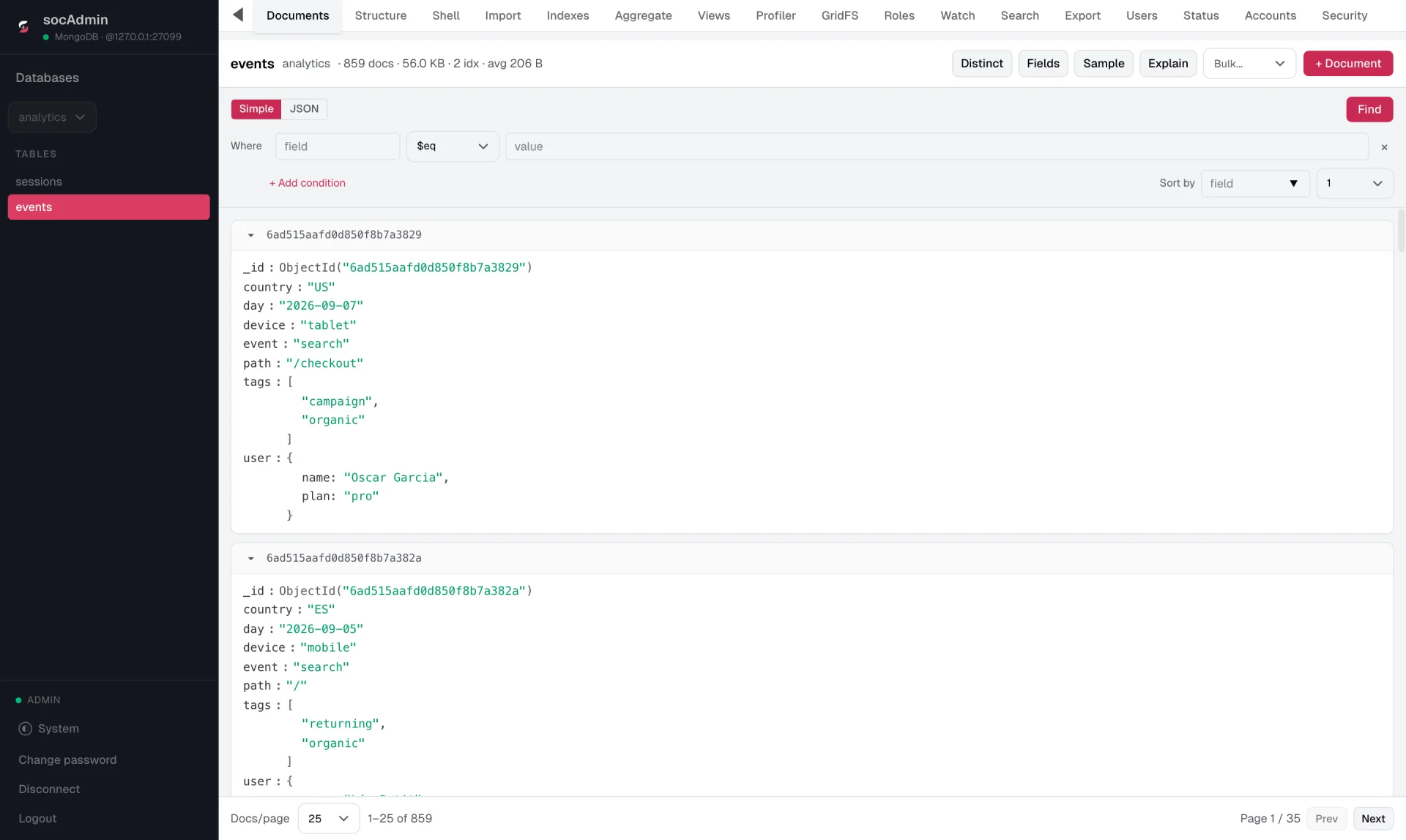
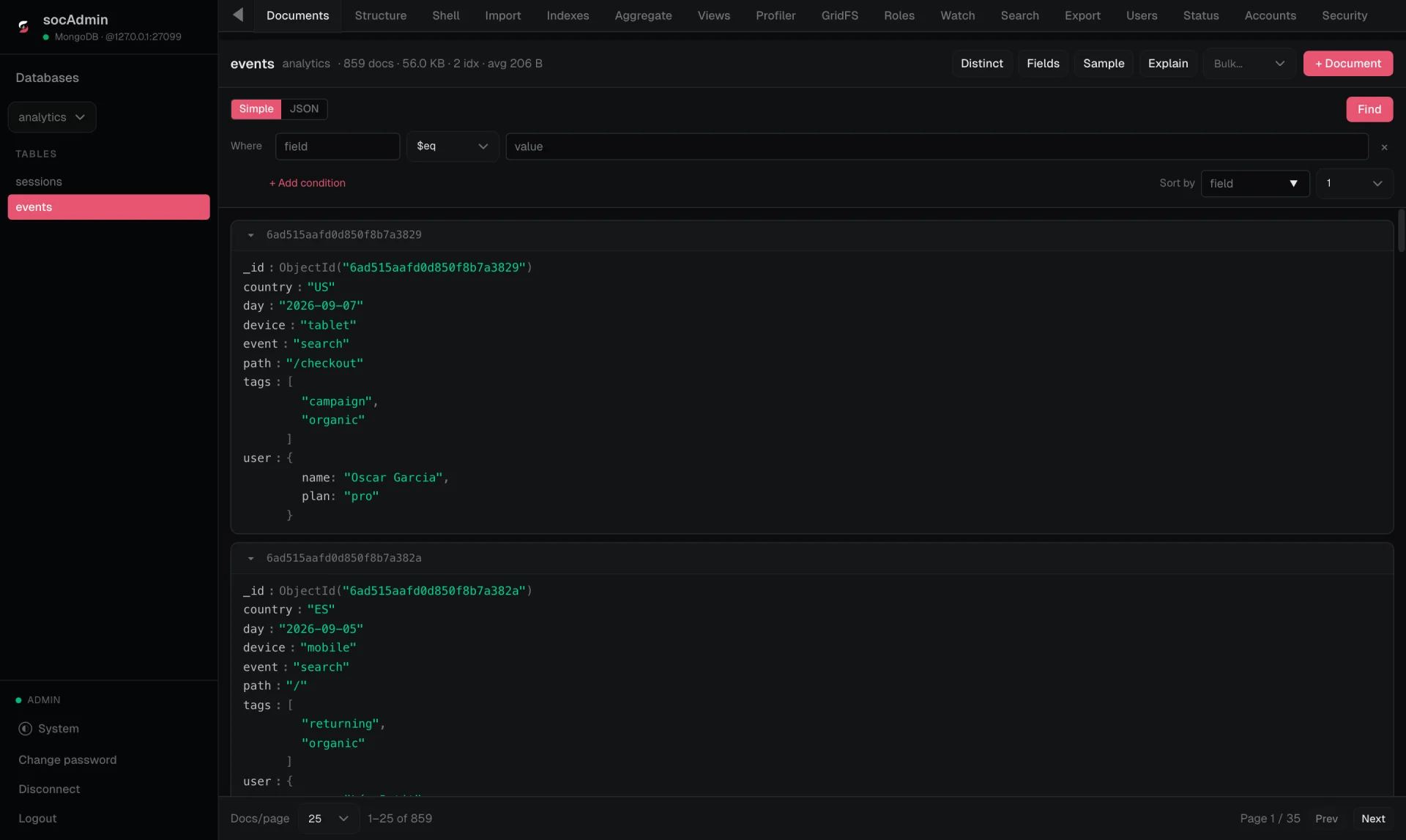
Documents, not just rows
Browse collections as documents, filter with conditions or raw JSON, run aggregations and manage indexes.
-
Every engine
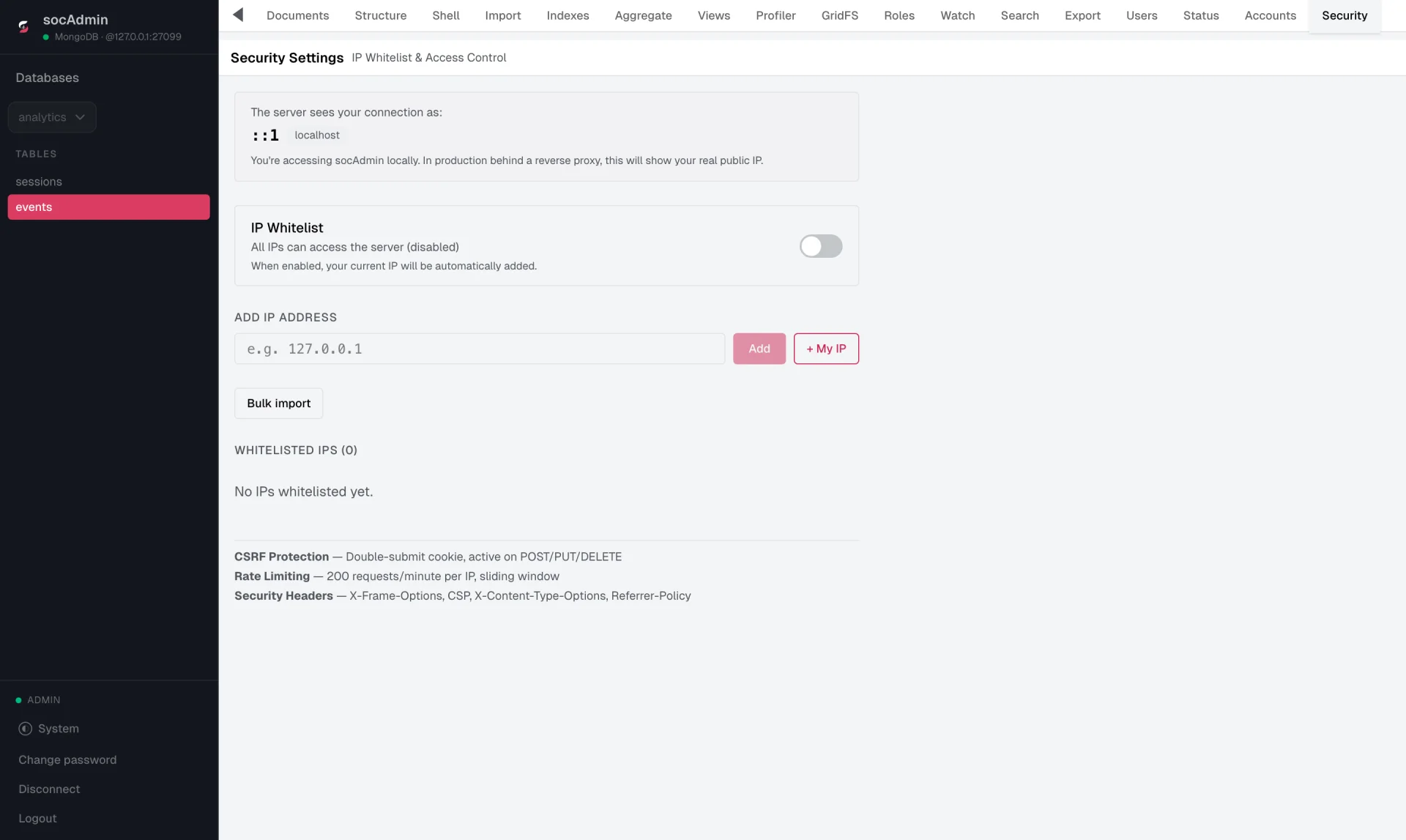
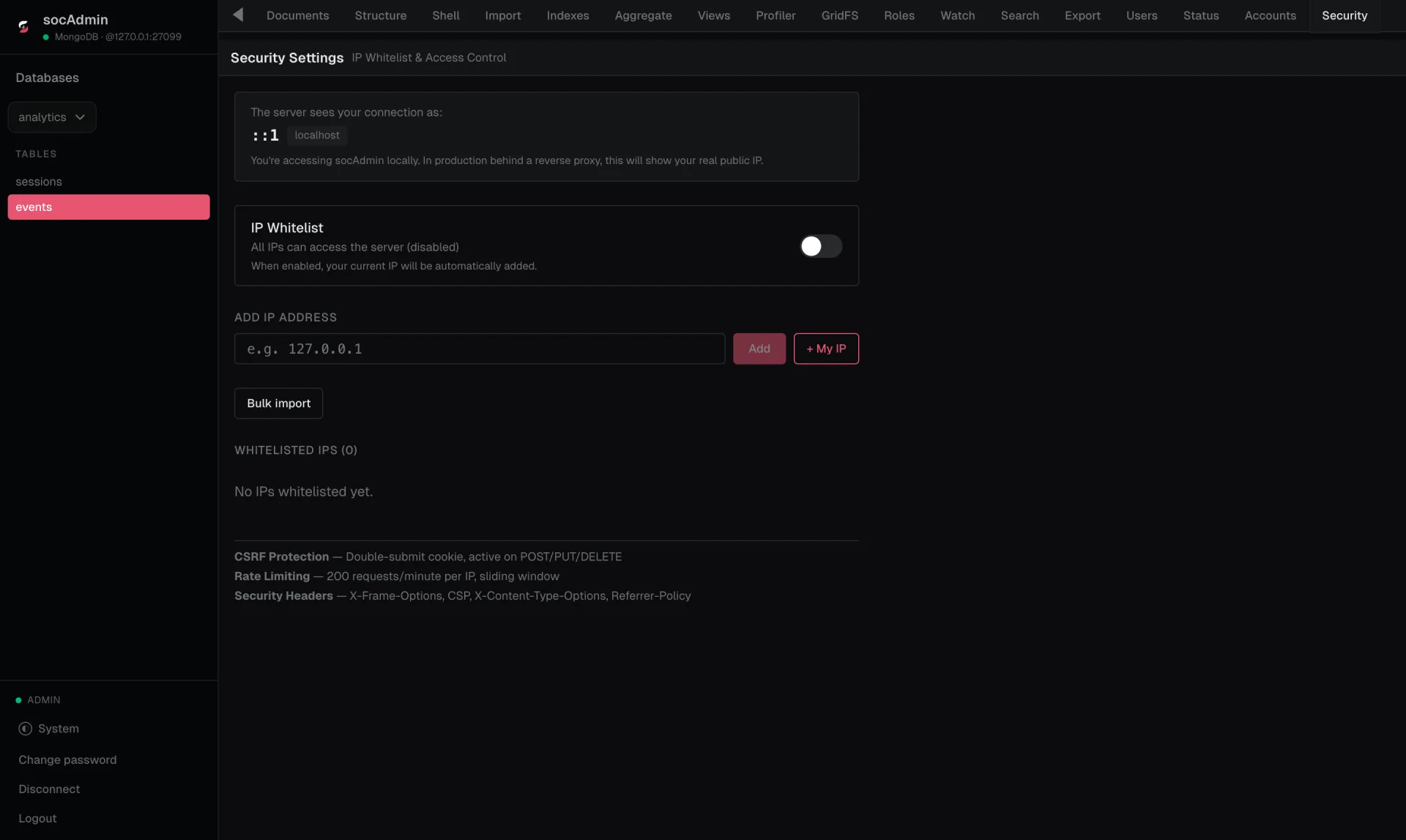
Locked down by default
Database credentials encrypted with AES-256-GCM, rate-limited sign-in, CSRF protection, and an IP whitelist you switch on from the UI.
Two ways to run it
Same app either way. Pick where it lives.
On your machine
socAdmin Manager is a desktop app that runs socAdmin for you, and can install MySQL, PostgreSQL and MongoDB too. No terminal, no Docker.
On your server
Add socAdmin to the Compose file that runs your database. The image is about 30 MB, runs as non-root and works with a read-only filesystem.
services:
  socadmin:
    image: soleilclems/socadmin
    ports: ["8080:8080"]
    volumes: [socadmin-data:/data]
    environment:
      - MYSQL_HOST=mysql
      - ADMIN_EMAIL=you@example.com
- ADMIN_PASSWORD=Change-me-10+Under the hood
Everything you need to manage your databases, in one self-hosted binary.
Security model- Engines
- MySQL 8 and MariaDB, PostgreSQL, MongoDB
- Runtime
- One Go binary with the UI built in. No PHP, no Apache
- Credentials
- Encrypted at rest with AES-256-GCM, never logged
- Accounts
- bcrypt passwords, admin and read-only roles
- Sessions
- 15-minute access tokens, rotating refresh tokens
- Import & export
- SQL, CSV, JSON and YAML
- Deployment
- Docker image (non-root, read-only filesystem) or desktop app
- License
- Free, proprietary